When a customer is stuck, they do not want to read a manual — they want to watch someone do it. A well-made tutorial video shows your product or process step by step, answers the question on the spot, and keeps working for years after you publish it. For Singapore brands, it is one of the few pieces of content that pulls double duty: it cuts your support load and quietly brings in new buyers through search.
What a tutorial video is actually for
A how-to is not a brand film. Its job is to get someone from “I don’t understand” to “done” with as little friction as possible. That changes how you make it. Clarity beats polish. The viewer is task-focused, so every second that does not move them forward is a reason to drop off.
The strongest tutorial content tends to fall into a few buckets:
- Onboarding — how to set up, install or get started, so new customers reach value faster.
- Feature walkthroughs — showing one specific task inside your product or service.
- Care and troubleshooting — how to clean, maintain or fix the common issues that flood your inbox.
- Skills your audience wants — broader how-tos where your product happens to be the tool.
It quietly pays for itself
Two things make a tutorial video worth the budget. First, deflection: if the same five questions account for most of your support tickets, filming clear answers once means your team stops typing the same reply every week. Embed the videos in your help centre, order confirmation emails and product pages, and the volume drops on its own.
Second, discovery. How-to searches are evergreen — people look up “how to use X” or “how to set up Y” long after launch. YouTube is the world’s second-largest search engine and Google routinely surfaces video in results, so a clear tutorial keeps earning views and leads with no extra spend. Unlike a campaign that dies when the budget stops, this content compounds.
Structure is everything
A tutorial lives or dies on its structure. We script every how-to around a simple spine so the viewer always knows where they are:
- The outcome first. Open by showing what they will be able to do by the end. It sets expectations and earns the watch.
- What you need. Any prerequisites, settings or materials, stated up front so nobody gets halfway and stalls.
- Numbered steps. One action per step, in the order someone actually performs them, with no skipped beats that “everyone knows”.
- The check. How to know it worked, and what to do if it did not.
The most common mistake is the curse of knowledge — the person who knows the product skips the obvious step, which is exactly the step a beginner gets stuck on. We write tutorials for the person seeing it for the first time, then test the script against that.
Screen-record, demo, or both
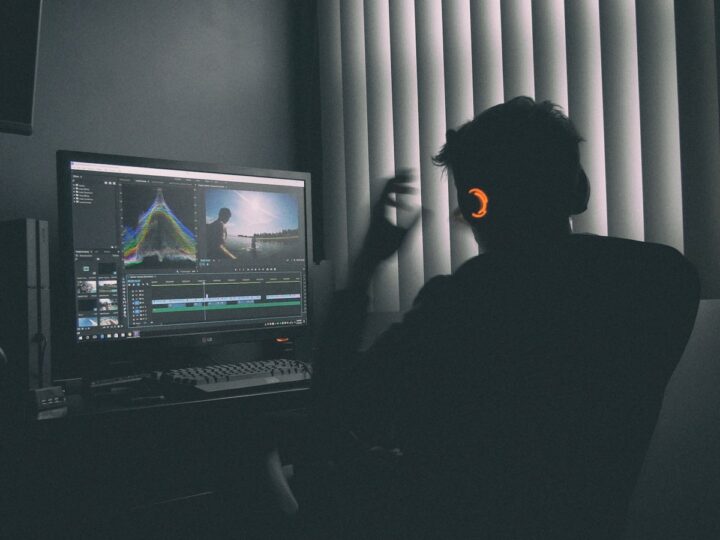
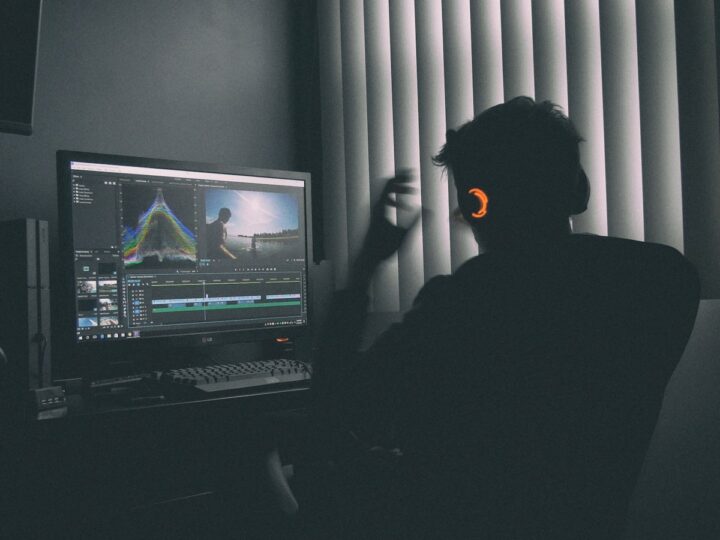
How you shoot depends on what you are teaching. For software, apps and dashboards, a clean screen recording with a clear voiceover and zoom-ins on the right buttons is usually enough — and fast to produce. For physical products, a product demo shot with proper lighting and tight overhead or close-up framing on the hands shows detail a screen grab never could.
Plenty of tutorials need both: a presenter explaining to camera, cut against screen capture or product close-ups for the actual steps. We plan the mix at the scripting stage so the shoot is efficient and the edit cuts cleanly. You can see how we handle different formats in our work portfolio.
Make it easy to follow and to find
A few production choices do most of the heavy lifting on a tutorial video:
- Captions. Many people watch on mute, on the MRT or in an open-plan office. On-screen captions and step labels keep them following along without sound.
- Chapters. Adding timestamped chapters lets a viewer jump straight to the step they are stuck on — and helps the video rank for those specific moments.
- On-screen text for key actions. Reinforce the exact button, setting or measurement visually, not just in narration.
- Pace for doing, not watching. Leave a beat after each step so someone can pause and follow along in real time.
On the SEO side, a descriptive title, a written summary and the right thumbnail matter as much as the footage. A tutorial that nobody can find helps nobody.
Batch it for the best value
If you have a list of common questions, do not commission one video at a time. The setup — lighting, sound, presenter, screen-capture rig — is the same whether you film one tutorial or eight. Filming a batch in a single session spreads that cost across every video and gives you a consistent library customers can binge. This is the single biggest lever on cost, and we plan most tutorial work this way. Our videography team can help you prioritise which questions to film first based on what is actually driving your support volume.
Frequently asked questions
How long should a tutorial video be?
As long as the task needs and not a second more. Simple how-tos often run under two minutes; a full setup walkthrough might run five to ten. Chapters make a longer video feel short because viewers jump to what they need. Let the steps set the length, then cut anything that does not move the viewer forward.
Do I need a presenter on camera?
Not always. Screen recordings and product close-ups with a clear voiceover work well for many tutorials and are quicker to produce. A presenter helps when the topic benefits from a human face — onboarding, trust-building or anything where tone matters — but the steps themselves are the star either way.
Can one tutorial work on YouTube and on our website?
Yes, and it should. The same master can live on your help centre, product pages and order emails for deflection, and on YouTube for discovery. We often cut a tighter vertical version for social as well, so one shoot feeds several channels.
Ready to start? Tell us about your project and we will map your top customer questions into a tutorial series that works while you sleep.