“Add a video to your email and watch click-through soar” is one of the most repeated tips in marketing — and one of the most misunderstood. A video email can lift engagement meaningfully, but only if you understand a hard technical truth: most inboxes will not actually play an embedded video. This guide explains what really happens, the method that works, and what kind of video to make for email in the first place.
The truth about “embedding” video in email
The dream is a video that plays right inside the email like a webpage. In reality, the major email clients most Singapore audiences use — Gmail, Outlook and others — generally do not support autoplaying or even reliably playing a true embedded video. If you build an email around a real embed, a large share of recipients will see a broken element or nothing at all.
So the practical question is not “how do I embed a video” but “how do I use video to make my email perform.” The answer is consistent, simple, and works everywhere.
The method that works: thumbnail + play button + link
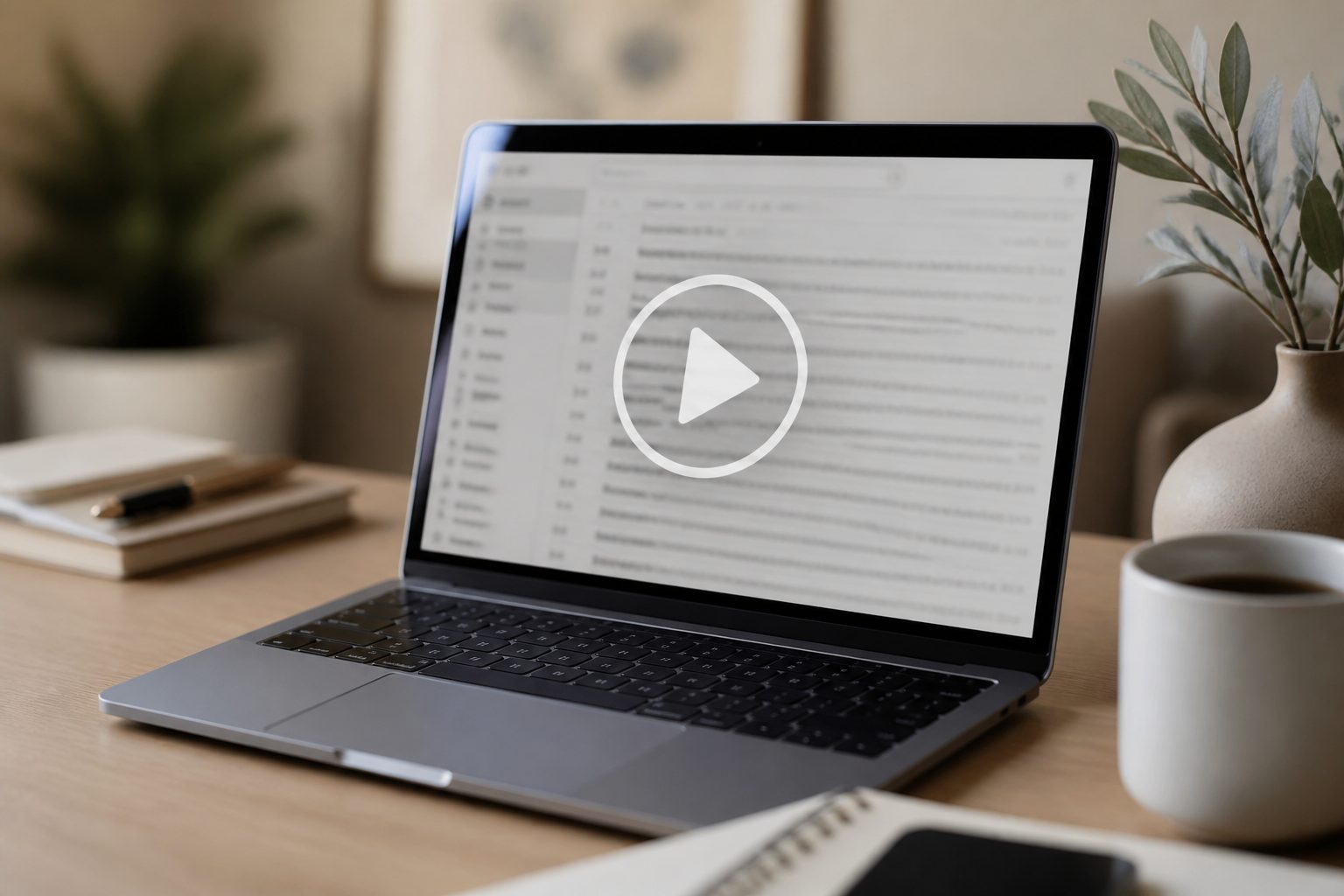
The reliable approach is to put an image in the email that looks like a video, then link it to the real thing:
- Use an attractive thumbnail image from the video — a compelling frame, a face, the product.
- Overlay a play-button graphic so it clearly reads as a video.
- Link the whole image to a landing page or hosted video where it actually plays — your site, YouTube, or a video platform.
This gets you the engagement lift (people love clicking play) without relying on any feature that breaks across clients. Bonus: the click takes them to a page you control, where you can capture the lead or guide the next step. An animated GIF preview — a few seconds of looping motion as the “thumbnail” — can lift clicks further, since GIFs are widely supported where video is not.
Why bother with video email at all
Done this way, video consistently earns its place in email marketing:
- Simply using the word “video” in a subject line, and a play button in the body, tends to lift opens and clicks.
- It moves people from a passive inbox to an active page where they watch, learn and convert.
- It is more engaging than another wall of text, especially for product demos, event invites and announcements.
The key is that the email’s job is to earn the click; the video’s job is to do the work once they land.
What kind of video to make for email
Email audiences are scanning fast, so the video on the other side of the click should respect that:
Keep it short and front-loaded
Put the hook and the core message in the first few seconds. If someone clicked from an email, they have given you a small window — use it.
Match the email’s promise
If the subject line promised a product reveal, the video should open on the product, not a 20-second logo animation. A mismatch burns the click.
Design for sound-off first
Many people watch with sound off, so caption it and make sure it works silently — then layer audio for those who turn it on.
The most effective email videos are usually purpose-built short cuts — a 30-second product teaser, a personal note from a founder, an event sizzle. Our videography team often produces these as part of a campaign so the email, landing page and social all pull from one shoot. You can see examples across formats in our portfolio.
Subject lines, deliverability and the click
The email still has to be opened before any video does its work. A few practical habits help:
- Signal the video in the subject line. Simply including the word “video” tends to lift opens, because it promises something quick to consume.
- Make the thumbnail obviously clickable. A clear play button and a caption like “Watch (60 sec)” set the expectation and invite the click.
- Mind file size. If you use a GIF preview, keep it light so the email loads fast — a heavy email that stalls gets deleted.
- Always include a fallback link. Some clients block images, so a plain text link to the video ensures everyone can still reach it.
Measuring what works
Because the video lives on a page rather than in the inbox, you can measure the full funnel: email open rate, click-through on the thumbnail, then watch time and conversion on the landing page. That is far more useful than guessing whether an embed played. Test thumbnails, subject lines and video lengths against each other, and let the click-through and watch data guide the next send.
Frequently asked questions
Can I actually embed a playable video in an email?
In most mainstream email clients, no — a true embedded video will not play reliably and may break the layout. The dependable method is a thumbnail with a play button linked to a page where the video plays.
Should I use a GIF instead?
A short, looping GIF preview is a great middle ground: it shows motion right in the inbox and is widely supported, while still linking out to the full video. Keep the file size sensible so it loads quickly.
What length should the video be?
Short. Aim to land the core message in the first several seconds and keep most email videos under a minute. People arriving from an inbox have low patience, so front-load the value.
Ready to start? Tell us about your project and we will produce video email content that actually earns the click and converts on the page.