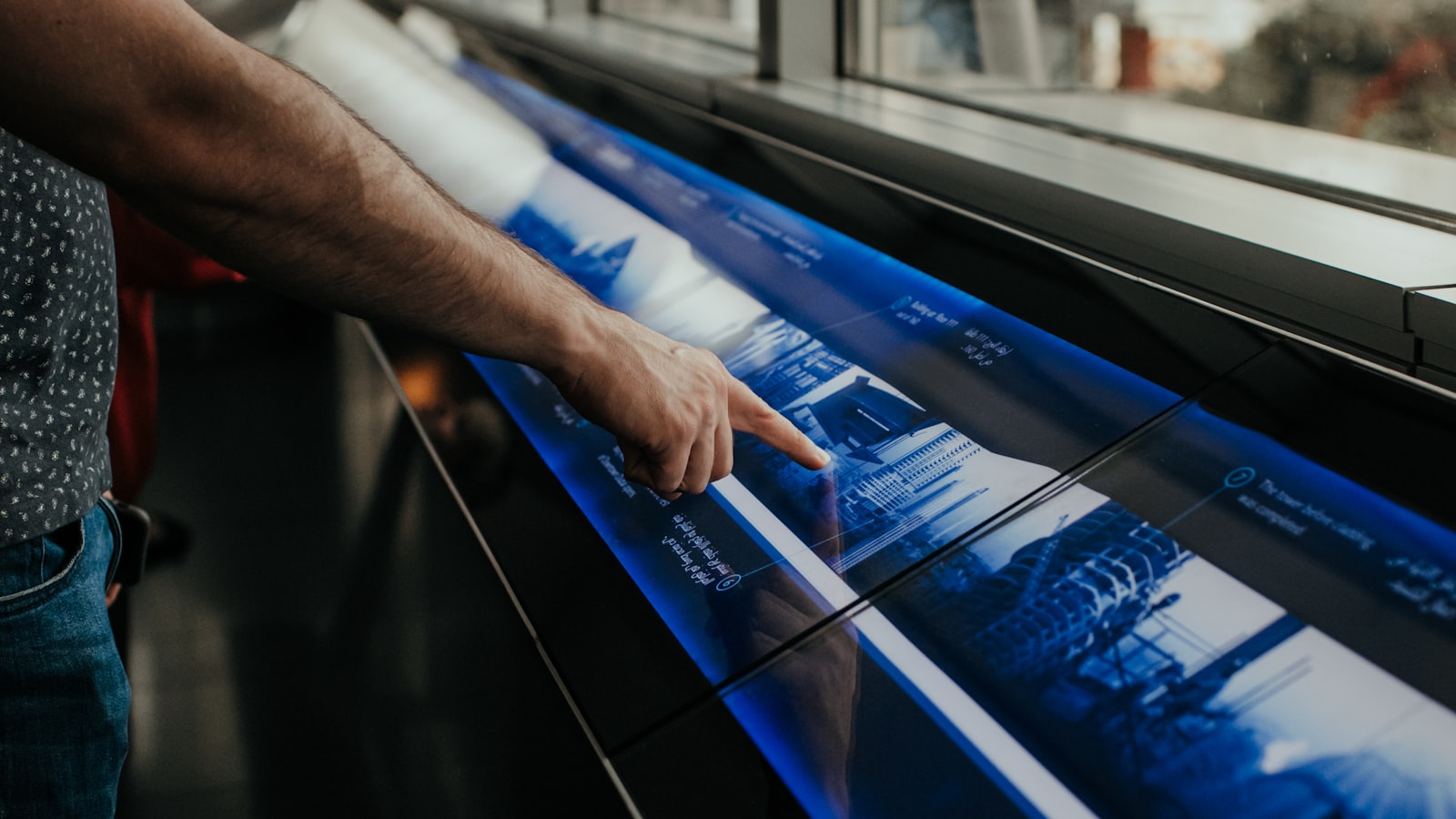
Digital wayfinding promises something static signs cannot: directories that update instantly, interactive maps that calculate a route, screens that show real-time information, and mobile navigation that follows you through a building. Used well, it solves problems physical signage struggles with. Used as a gadget, it becomes an expensive screen that people walk past. This guide explains where digital wayfinding genuinely helps, where it does not, and how to design it so it earns its place.
What digital wayfinding actually adds
The honest starting point is that most navigation is still solved best by good physical signage. Digital wayfinding earns its keep when one of these conditions applies:
- Frequent change — tenancies, events or schedules that would otherwise require constant resigning, as in malls, exhibition halls and offices with hot-desking.
- Complexity — large, multi-level buildings where an interactive map and route calculation genuinely help, such as hospitals, campuses and large mixed-use developments.
- Real-time information — train times, queue status, room availability or event schedules that only a live feed can provide.
- Personalisation — letting a visitor search for a specific shop, doctor or meeting room rather than scan a long static list.
If none of these apply, a well-designed printed directory is often faster, cheaper and more reliable than a touchscreen.
Interactive directories: design for the impatient
An interactive directory lives or dies on how quickly it answers the one question a visitor has: “where is the thing I’m looking for, and how do I get there?” That means a default screen that is instantly understandable, a prominent search and category function, and a “you are here” map oriented to match the way the visitor is actually facing — not north-up, which forces people to rotate the map in their heads.
Good interactive directories also fail gracefully. They return to the home screen after inactivity, work for wheelchair users and shorter visitors with reachable touch zones, and never trap someone in a menu with no obvious way out. The interface should be usable in seconds by someone who has never seen it before.
Mobile wayfinding: meeting people on their phones
For large or complex venues, mobile wayfinding lets visitors plan a route before they arrive and navigate as they go. The appeal is obvious — the map is in the visitor’s pocket and can be personalised. The catch is adoption: people will not download an app for a single visit, so the experience needs to work through a browser or be genuinely useful enough (frequent visitors, staff, patients) to justify an app.
Indoor positioning is harder than outdoor GPS and the technology choice matters. The pragmatic approach in Singapore is usually a mobile-accessible map that complements physical and screen-based wayfinding rather than replacing it, so visitors are never dependent on a phone, a signal or a battery to find their way out.
Content and brand consistency across formats
The biggest practical risk with digital wayfinding is fragmentation. The screen, the mobile map and the physical signage must all tell the same story — same names, same zones, same colours, same icons. When the directory calls a place “Block C”, the corridor sign says “Wing 3” and the app calls it “Building 12”, visitors lose trust in all three.
This is why digital wayfinding should be designed as part of one system, not procured separately from the physical signage. The visual language — typography, colour coding, pictograms — needs to be consistent across pixels and physical materials, which is precisely the kind of cross-format consistency our branding and design team builds into a project from the start.
The operational reality: who keeps it updated?
A digital directory is only as good as its content management. The moment the screen shows a closed tenant or an outdated event, it does active harm to credibility. Before committing to digital wayfinding, the real question is organisational: who owns the content, how easily can they update it, and is there a process to keep it current?
We design the back end to be as simple to maintain as the front end is to use, because a beautiful directory that nobody updates becomes a liability within months. The content workflow is a design problem as much as the interface is.
Blending digital and physical
The strongest systems are hybrids. Physical signage handles the universal, always-on, no-power-required layer — exits, directions, identification. Digital wayfinding handles the dynamic, searchable, real-time layer on top. Each does what it is best at, and crucially, the system still works if a screen goes dark.
That redundancy is a feature, not a compromise. You can see how we approach multi-element brand and environment systems across our portfolio of projects.
Frequently asked questions
Does digital wayfinding replace physical signs?
No. Physical signage remains the reliable, always-on layer that needs no power or connectivity, especially for exits and core directions. Digital wayfinding adds searchability, real-time information and easy updates on top. The best systems combine both so the building is still navigable if a screen fails.
When is an interactive directory worth the cost?
When information changes often, the building is genuinely complex, or you need real-time data such as availability or schedules. If your directory rarely changes and the layout is simple, a well-designed printed directory is usually faster and far cheaper.
Should we build a wayfinding app?
Only if you have frequent or repeat visitors, staff or patients who will actually keep it. For one-off visitors, app downloads rarely happen. A browser-based mobile map or in-building screens usually deliver more value for the investment.
Considering digital wayfinding? Tell us about your project and we will help you decide where screens add value and where they do not.