360 product photography lets a shopper grab a product on screen and spin it — rotating it a full turn to see every angle as if they were holding it. Instead of a handful of static photos, you give buyers an interactive view that answers “what does it look like from behind?” before they have to ask. For Singapore’s crowded e-commerce market, where shoppers compare aggressively before they commit, that extra confidence can be the difference between a sale and an abandoned cart. This guide explains how 360 product photography is made, the technical choices that matter, and when it is genuinely worth doing versus overkill.
How a 360 spin is actually shot
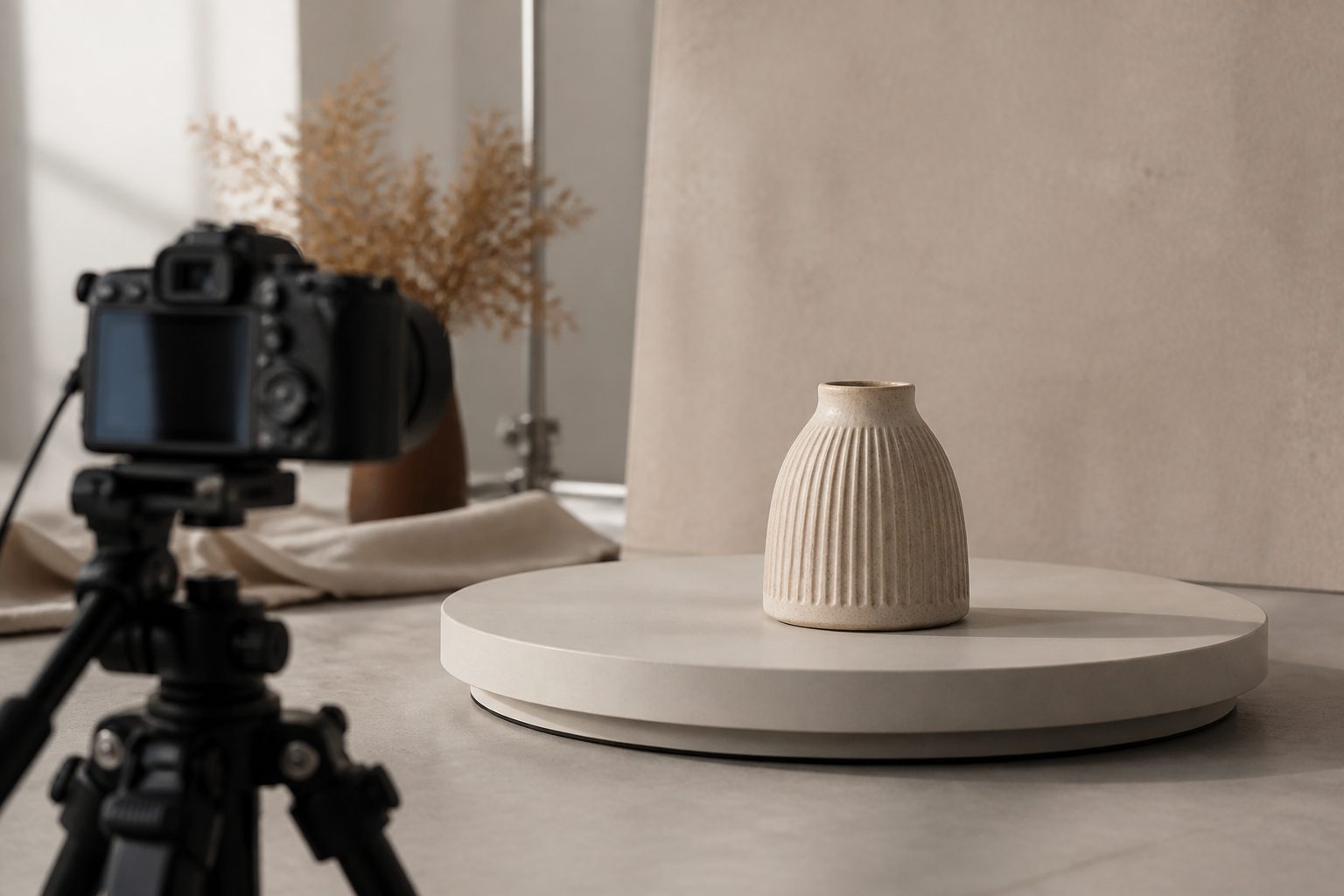
The technique is methodical rather than magical. The product sits on a turntable, the camera is locked on a tripod pointing at it, and you photograph it at fixed, equal increments through a full rotation.
- Locked camera and lighting. Nothing moves except the product. The camera position, focus, exposure and lights all stay identical for every frame, so the only thing that changes between shots is the product’s angle.
- Equal increments. You rotate the turntable a set number of degrees between each shot — for a 24-frame spin that is 15° each step; for a 36-frame spin, 10°. Consistent steps are what make the final rotation look smooth rather than jumpy.
- Automated turntables can trigger the camera at each step automatically, which keeps the increments perfectly even and speeds up a long session. A manual turntable with careful marking works too, just slower.
The output of the shoot is not one image but a clean, ordered sequence of frames — every one identical except for rotation.
Frame count: smoothness versus weight
How many frames you shoot is the key trade-off in 360 product photography. More frames mean a smoother, more fluid spin but more files to load; fewer frames load faster but can look steppy.
- 24 frames (15° steps) is a common, efficient choice — smooth enough for most products and light to load.
- 36 frames (10° steps) gives a noticeably more fluid rotation, worth it for premium or detail-heavy items.
- More than that is usually reserved for hero products where the spin itself is a selling feature.
The right number depends on the product and how much the rotation matters to the buying decision, balanced against page-load speed — which on mobile-first Singapore e-commerce is not a detail you can ignore.
Post-production: from frames to interactive spin
The shoot is half the job. The frames then go through editing to become a usable spin:
- Masking and background. Each frame is cut out to a clean white or transparent background so the product spins against a consistent surface — and every frame must match, or the background will flicker as it rotates.
- Colour and exposure consistency. Any tiny variation between frames is corrected so the spin looks like one continuous object, not a flickering stack of photos.
- Stitching into a viewer. The ordered frames are loaded into an interactive spin viewer — an embed that lets the shopper drag to rotate, usually delivered as an HTML/JavaScript component you place on the product page.
- File optimisation. The frames are compressed and sized so the spin loads quickly without visible quality loss, which protects both the experience and your page speed.
That cut-out and assembly work is where a 360 set takes more effort than standard product shots, and it is the part we handle end-to-end as part of our photography and content service so you receive a finished, embeddable spin rather than a pile of frames.
When 360 adds value — and when it’s overkill
360 product photography is not for every SKU. It earns its place when the product is something a buyer would naturally want to turn over in their hands:
- Considered, tactile purchases — shoes, watches, jewellery, bags, headphones and gadgets, where construction and finish matter.
- Furniture and homeware, where the back and sides are as relevant as the front.
- Products with detail all the way around — anything where a single front photo leaves obvious questions.
It is overkill for flat, simple or low-value items — a printed t-shirt, a basic accessory, a product that genuinely looks the same from most angles. For those, good static images do the job and the spin adds load time for no real benefit. The honest call is product by product, and we will tell you which of your range actually warrants it.
The conversion case for Singapore sellers
The argument for 360 product photography is buyer confidence. Online, shoppers cannot pick a product up, so doubt about how it looks from another angle becomes a reason to hesitate or return it. Letting them spin it themselves removes that doubt and signals a brand that has invested in showing the product honestly. In a market as competitive as Singapore’s — where the same product is often a few taps away on another store — that richer experience is a real differentiator on your highest-value listings. You can see the production standard we bring to product work across our portfolio.
Frequently asked questions
How many frames do I need for a 360 product spin?
For most products, 24 frames (15° apart) gives a smooth spin that stays light to load. Premium or detail-heavy items benefit from 36 frames (10° apart) for a more fluid rotation. More frames look smoother but add page weight, so we match the count to the product and to mobile load times rather than maxing it out by default.
Will a 360 spin slow down my product page?
Only if it is built carelessly. We optimise and compress the frames so the spin loads quickly, and we choose a frame count that balances smoothness against weight. Done properly, the experience is responsive even on mobile — which matters for Singapore’s mobile-heavy shoppers.
Can I embed the 360 view on Shopee or my own website?
Interactive spins are typically delivered as an HTML/JavaScript embed, which slots neatly into your own website or store platform. Marketplace support varies — some only accept standard images or video — so we confirm what each platform allows and provide static or video alternatives where an interactive embed is not supported.
Got products worth spinning? Tell us about your range and we’ll advise which items justify 360 product photography — then deliver a finished, embeddable spin for each.